发现英语学习的乐趣,让兴趣引领你的进步。
雪球App独创的学习方法让你通过导入任何感兴趣的英语内容,将学习与个人爱好完美结合。无论是追踪最新科技动态、探索世界各地的文化奇观,还是沉浸在英文小说的世界里,雪球都能让你的英语学习过程变得更加自然和高效。通过个性化的内容推荐,我们确保每一次学习都紧密贴合你的兴趣,让提高英语水平变成一种享受而非负担。加入雪球,用你的兴趣为英语学习注入新动力。
功能和好处
雪球App提供了一个独特的学习体验,使英语学习与个人兴趣和爱好紧密相连。以下是我们的主要功能和它们为用户带来的好处:
- 导入个性化英语内容
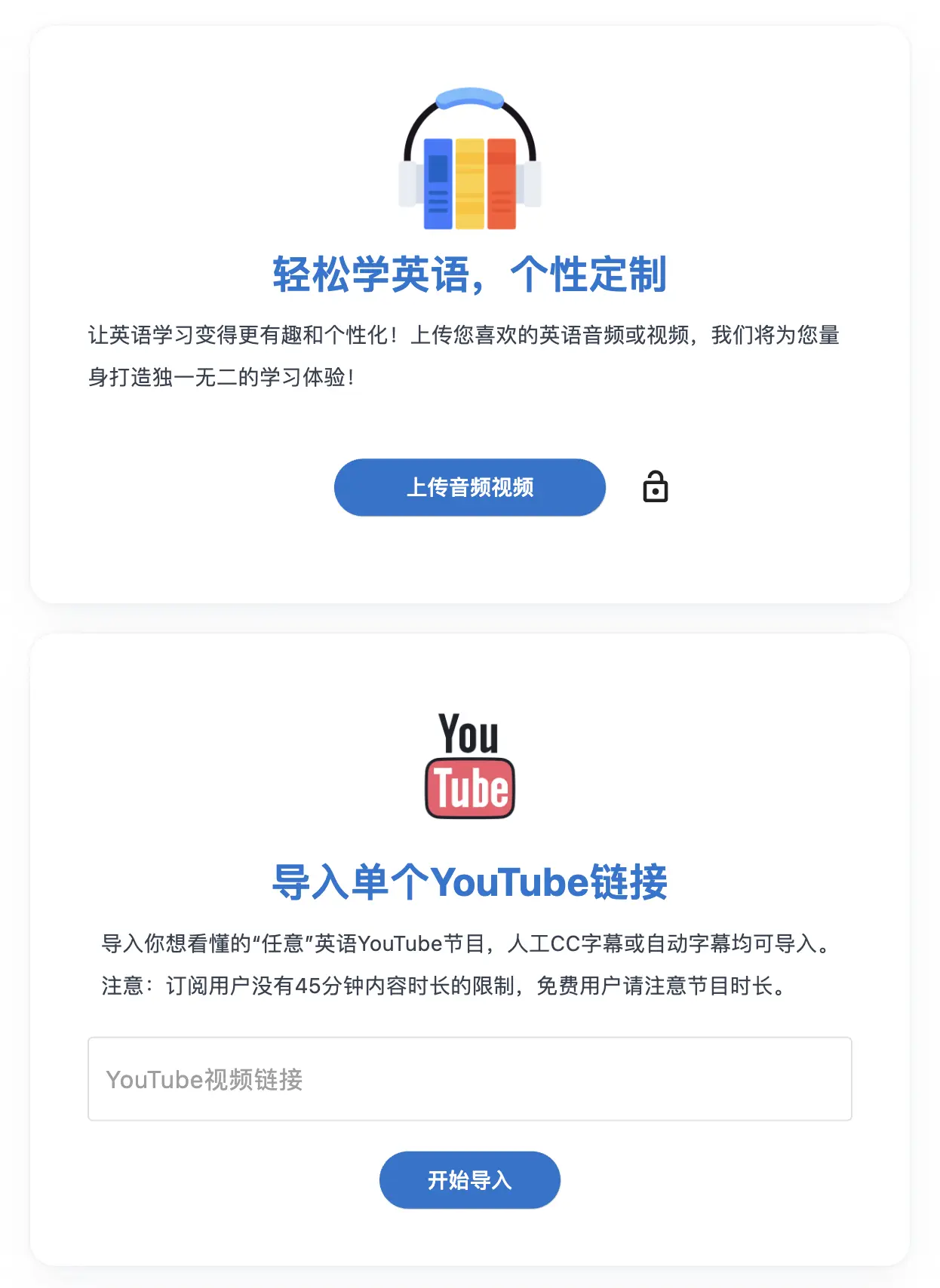
- 用户可以从YouTube导入任意节目,利用Audible、LibriVox、Internet Archive等平台上的英语有声书,以及全球范围内的英语影视作品。这意味着无论用户的兴趣在哪里,他们总能找到符合自己兴趣的英语学习材料。
- 智能字幕和翻译生成
- 雪球利用先进技术为导入的英语声音生成同步的英文字幕,自动断句、加标点,并提供每句话的中文翻译。这种可理解输入的方式帮助用户轻松理解和跟随内容,无论是精选的有声书、个人喜爱的影视作品,还是教育性的YouTube节目。
- 互动式学习工具
- 在播放界面,播放器能够在每句话后自动暂停,允许用户点击字幕上的生词查询意思并进行标注。用户还可以选择短语进行查询和标注,提高理解和记忆效率。所有标注的词汇和短语在App内的播放内容中自动高亮,加强记忆。
- 内容许可与版权尊重
- 用户通过网页控制面板上传文件到雪球系统,或通过链接和播放列表自动导入YouTube内容,全面尊重内容原创者的版权。这一机制确保用户可以安心地使用自己喜欢的内容进行学习,同时遵守版权法规。
- 技术要求简单
- 有声书和影视作品通过web控制面板上传,而YouTube内容则通过链接或播放列表自动处理,操作简便,无需复杂的技术要求。
- 记忆加强功能
- 特有的记忆加强功能让用户能像刷短视频一样,在零碎时间复习和记忆生词,有效提升词汇量。
解决方案
增加词汇量,提高听力!
Quis tellus eget adipiscing convallis sit sit eget aliquet quis. Suspendisse eget egestas a elementum pulvinar et feugiat blandit at. In mi viverra elit nunc.
- Push to deploy
Commodo nec sagittis tortor mauris sed. Turpis tortor quis scelerisque diam id accumsan nullam tempus. Pulvinar etiam lacus volutpat eu. Phasellus praesent ligula sit faucibus.
- SSL certificates
Pellentesque enim a commodo malesuada turpis eleifend risus. Facilisis donec placerat sapien consequat tempor fermentum nibh.
- Simple queues
Pellentesque sit elit congue ante nec amet. Dolor aenean curabitur viverra suspendisse iaculis eget. Nec mollis placerat ultricies euismod ut condimentum.